What ID do you need to send money internationally?
To send money internationally, you need a valid government-issued ID. Learn which IDs MoneyGram accepts and what to expect during verification.
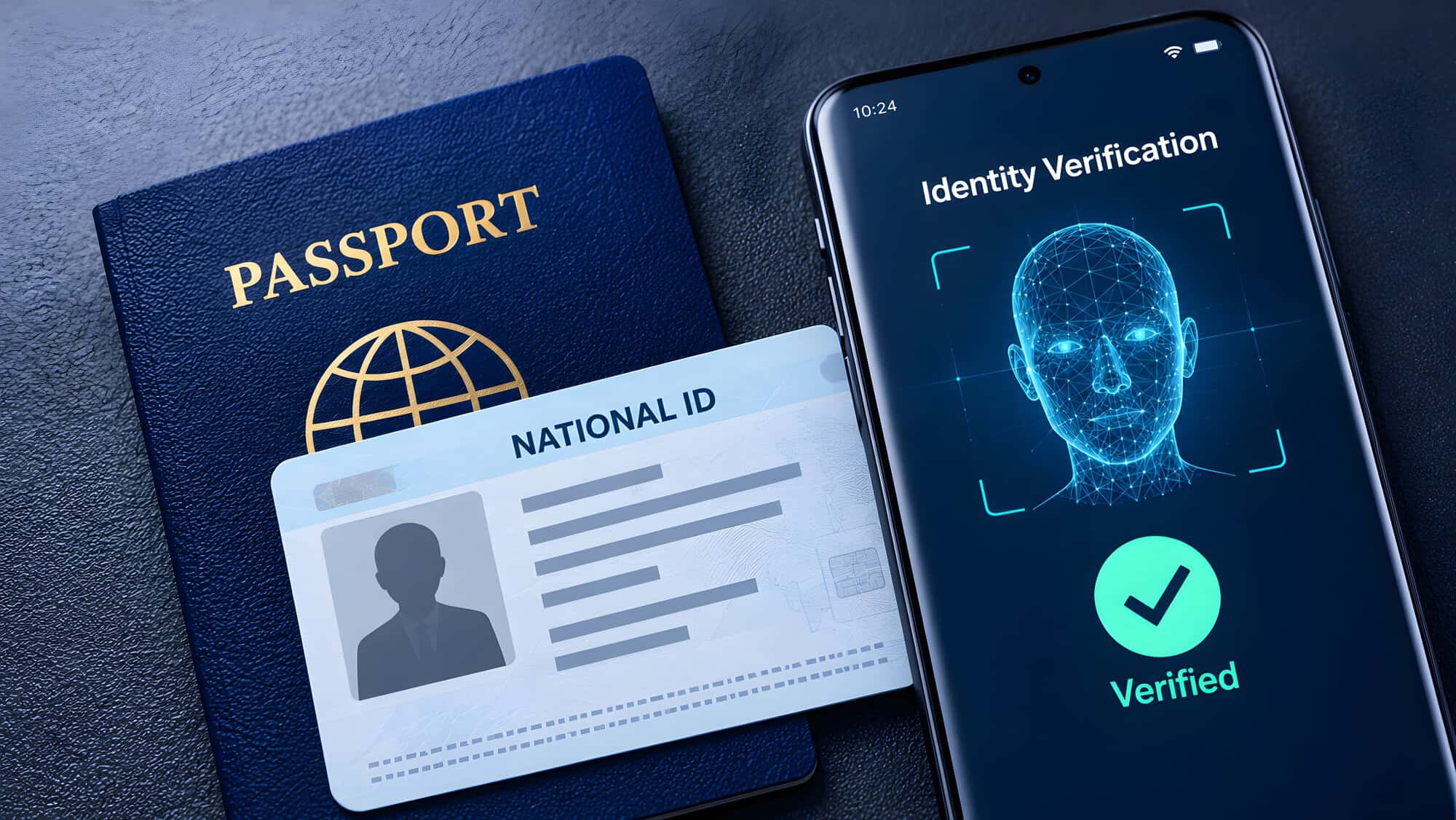
To send money internationally with MoneyGram, you’ll need a valid, unexpired government-issued ID.
Accepted IDs may include a driver’s license, passport, state ID, military ID, tribal ID, resident alien card, border crossing card, Mexican electoral card, matrícula consular card, and many more.
For most senders, this is a quick, standard step. It helps verify your identity, protect your transfer, and keep money moving to the right person.
MoneyGram accepts several types of government-issued identification. Requirements can vary by transfer amount, destination, payment method, and other details, but these are commonly accepted forms of ID.
You may also see other accepted IDs listed by MoneyGram, including welfare ID, inmate exit prison ID, seafarer ID, temporary resident card, and employment authorization card.
The most important rule is that your ID should be valid, unexpired, and match the personal information you provide for your transfer.
If you’re sending in person, bring your physical ID with you to the MoneyGram location. If you’re sending online or in the app, you may be asked to verify your identity digitally.
ID verification is a standard part of sending money internationally. It helps confirm that the person starting the transfer is the correct person. It also helps protect both the sender and the recipient by reducing fraud and supporting secure transfers.
This step is normal. It does not mean anything is wrong with your transfer. For most senders, ID verification only takes a few moments. If you’re sending in person, the agent will review your ID at the counter. If you’re sending online or in the MoneyGram app, the verification step may happen digitally as part of your profile or transfer setup.
In some cases, MoneyGram may request additional information. This can happen for first-time senders, larger transfers, certain payment methods, or transfers that need extra review. When it happens, it is usually part of the normal security process.
The goal is to help keep your money safe and make sure the transfer reaches the right person.
Once you have your ID ready, sending money is straightforward.
Start by choosing how you want to send. You can send online, in the MoneyGram® app, or in person at a MoneyGram location. If you’re sending online or in the app, your ID may be verified digitally. If you’re sending in person, bring your government-issued ID to the agent counter.
You do not need a bank account to send a money transfer. If you don’t have a bank account, you can still send cash at a location near you.
Once you decide how you’ll start your transfer, you will enter your recipient’s information. You will need to include their full legal name, destination country, and receive method. Depending on where you’re sending, your recipient may be able to receive money by cash pickup, bank account, mobile wallet, debit card, or another available option.
Then, enter the amount you want to send and choose how you want to pay.
Before you submit your money transfer, review the transfer amount, any applicable fee, tax, the exchange rate, and the recipient details. Make sure everything is correct before confirming.
After your transfer is submitted, save your reference number. If your recipient is picking up cash, they may need that number along with their own valid photo ID.
MoneyGram is trusted by more than 50 million customers around the world and has a 4.9-star rating in the App Store. Whether you’re sending money for the first time or regularly, having the right ID ready can help make the process easier and faster from the start.