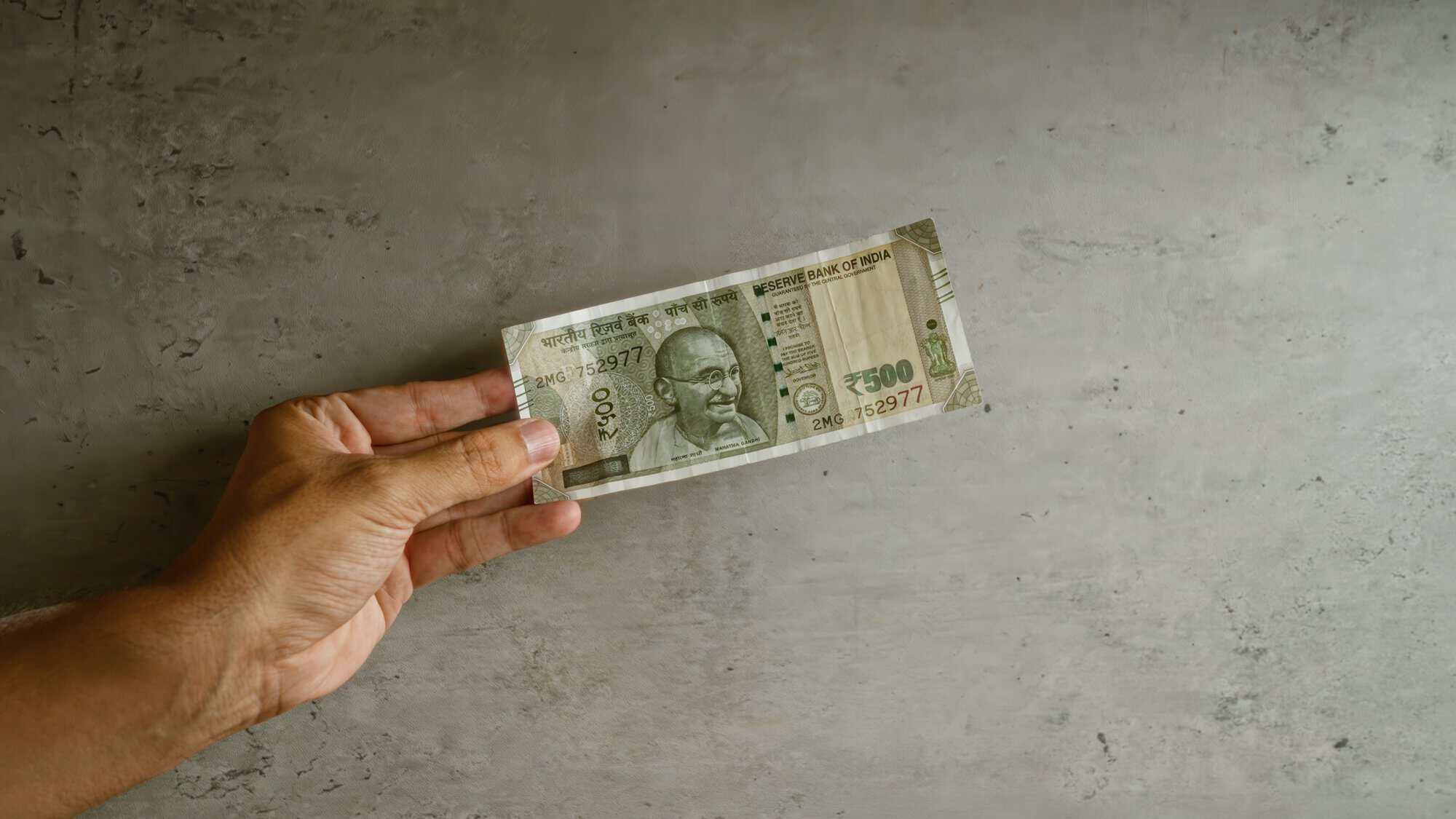
Many Filipinos in the US send money home regularly to support family across the Philippines, from everyday expenses to school costs, medical needs, celebrations, and emergencies.
If you’re sending money to the Philippines, you have several receive options. Your recipient may be able to pick up cash, receive funds in a GCash wallet, transfer money into a bank account, or receive it on an eligible debit card.
This guide explains each option, what information you’ll need, how long transfers may take, and how to choose the best fit for your recipient.
How Filipino families receive money
The Philippines corridor stands out for a few reasons. Cash pickup networks are extensive, with locations across major cities, provinces, and smaller communities. Mobile wallets have also changed how money moves, with GCash becoming a common way to receive and use funds digitally. And many families choose different delivery methods for different needs, like cash for immediate expenses and wallet or bank transfers for bills and savings.
Your recipient’s receive options in the Philippines
Cash pickup
Cash pickup remains one of the most common ways to receive money in the Philippines. MoneyGram works with major payout networks including Cebuana Lhuillier, M Lhuillier, LBC, Palawan Express, and UMSI. Together, these partners help recipients collect pesos at thousands of locations across the country.
To collect the money, your recipient will need a valid government-issued photo ID and the 8-digit reference number from your transfer confirmation. Cash pickup is often available within minutes of you confirming the transfer.
GCash mobile wallet
GCash is one of the Philippines’ leading mobile wallets, used by millions of Filipinos for bills, groceries, local transfers, online shopping, and more. With MoneyGram, you can send money directly to your recipient’s GCash wallet. You pay in US dollars, and your recipient receives Philippine pesos in the GCash app.
There’s no pickup trip and no bank account required. Once the money arrives, your recipient can use their GCash balance for everyday spending, bills, transfers to family, or online purchases. GCash transfers are typically fast and many arrive within minutes.
Bank account
MoneyGram supports direct transfers into accounts at major Philippine banks, including BDO Unibank, BPI, Metrobank, Land Bank, and others. Bank transfers can be a good option when your recipient wants money in their account for savings, bill payments, card spending, or larger expenses.
Debit card
Funds can also be sent directly to an eligible debit card in the Philippines. Once the money arrives, your recipient can spend or withdraw it as they normally would. Card eligibility depends on the issuing bank.
Which option should you choose?
The right delivery method depends on what the money is for and what’s easiest for your recipient.
For urgent support, cash pickup or GCash may be the best fit because both are typically fast.
For monthly support, groceries, bills, transportation, or family expenses, GCash can be convenient because it fits into the way many recipients already pay and send money locally.
For larger amounts, school fees, rent, or savings, bank transfers may make more sense because the money lands directly in an account.
For recipients who prefer cash or live closer to a pickup partner than a bank branch, cash pickup may be the easiest option.
If you’re not sure, ask your recipient where they would prefer to receive the money. That answer usually makes the decision easy.
Step-by-step: How to send money to the Philippines with MoneyGram
Step 1. Sign up or log in
Open the MoneyGram® app or visit MoneyGram.com. Create a profile if you’re new, or log in if you’ve sent before.
Step 2. Enter the transfer details
Enter the amount you want to send. Choose the Philippines as the destination. Then choose the delivery method: cash pickup, GCash, bank transfer, or debit card.
Before you confirm, you’ll see the exchange rate from USD to PHP, transfer fee, estimated delivery time, and exact amount your recipient will receive in pesos.
Step 3. Add your recipient’s details
The information you need depends on the delivery method.
For cash pickup, enter your recipient’s full legal name as it appears on their photo ID.
For GCash, enter the Philippine mobile number connected to their GCash account.
For bank transfer, enter their full legal name, bank name, account number, and any other required details shown by MoneyGram.
For debit card, enter the card details as prompted.
Step 4. Pay and confirm
Pay with a US bank account, debit card, or credit card. Review the full summary, confirm, and save your 8-digit reference number. If your recipient is collecting cash, share the reference number with them.
How long does a transfer to the Philippines take?
Timing varies by delivery method. Cash pickup transfers are often available within minutes of confirmation, and your recipient can collect once the system shows the funds are ready. GCash transfers are also typically fast and most arrive within minutes. Bank transfers depend on the receiving bank’s processing schedule and may take longer.
MoneyGram shows the expected delivery time for your specific transfer during setup. After you confirm, you can track the transfer in real time.
What It costs to send to the Philippines
The total cost of sending money to the Philippines includes the MoneyGram transfer fee and the USD to PHP exchange rate. Both vary based on the amount, payment method, and delivery method.
Before you confirm, you’ll see the fee, rate, estimated timing, and exact amount your recipient will receive. New MoneyGram customers can send their first transfer with no fee.
Sending to the Philippines: A note on names
Filipino names can include multiple given names, middle names, a mother’s maiden name, or a generational suffix like Jr. or III. For cash pickup and bank transfers, the name on the transfer must match the recipient’s ID or account.
If your recipient goes by “Maria Santos,” but their ID says “Maria Lourdes Reyes Santos,” use the full legal name. A name mismatch is one of the most common reasons a transfer may be held or returned.
Frequently asked questions
Can I send to GCash if I am not in the Philippines?
Yes. From the US, you can send money with MoneyGram to your recipient’s GCash wallet. You do not need a GCash account yourself.
What if my recipient does not have GCash or a bank account?
Send via cash pickup. Your recipient can collect funds at a participating payout location with a valid government-issued photo ID and your 8-digit reference number.
What ID can my recipient use to collect cash?
Your recipient will need a valid Philippine government-issued photo ID, such as a driver’s license, passport, UMID, postal ID, PRC ID, voter’s ID, or PhilSys national ID. The name on the ID must match the name entered on the transfer.
Can I send to the Philippines in dollars or only pesos?
From the US, you pay in US dollars. MoneyGram converts the money to Philippine pesos at the rate shown during setup, and your recipient receives pesos. They can also receive USD, but this option is only for cash pickup.
How much money can I send to the Philippines?
Send limits depend on your verification status, payment method, and where you’re sending from. The limit shown during setup is the one that applies to your transfer.
Can I send money to the Philippines for emergencies on a weekend?
Yes. Cash pickup partners and GCash may operate outside normal banking hours, so weekend transfers through those methods can still be available quickly. Bank transfers may take longer if sent on a weekend.