How to fill out a money order: A step-by-step guide
Filling out a money order only takes a few minutes once you know what goes in each field. Here’s a step-by-step guide to completing a MoneyGram money order correctly.
If you’re holding a money order for the first time, don’t worry. Filling one out is straightforward once you know where each piece of information belongs.
This guide walks through each field step by step so you can complete your MoneyGram money order correctly and avoid common mistakes.
Before you begin, make sure you have a few things ready:
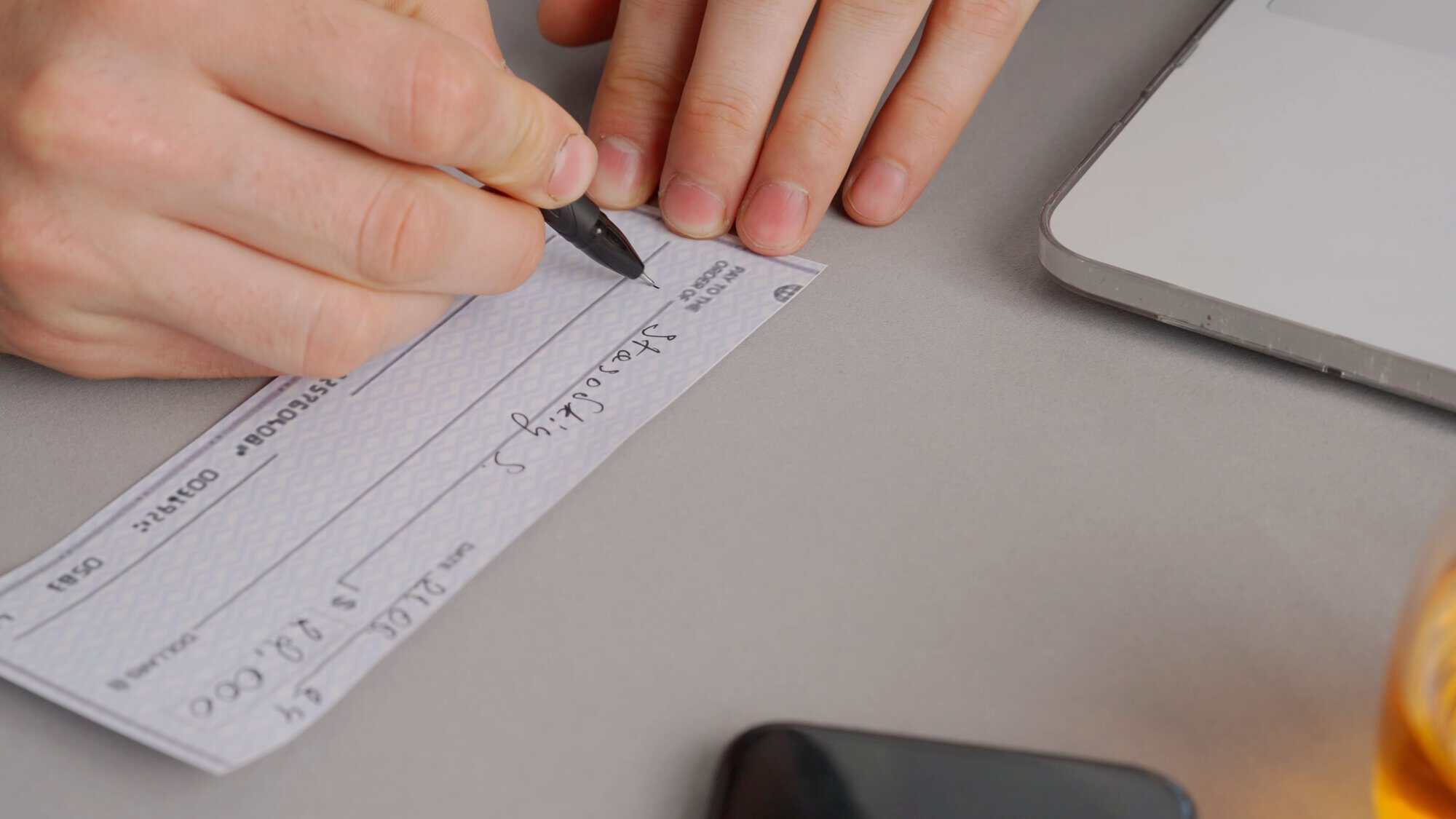
Always use a pen, not a pencil. Pencil can be erased or altered, which may create problems later.
It’s also a good idea to double-check the recipient’s information before you start writing. A small mistake can sometimes mean purchasing a replacement money order.
Important reminder: don’t sign the money order until you’re ready to complete it.
Unlike a personal check, you don’t need to write the payment amount on a MoneyGram money order. The amount is printed when the money order is purchased.
Write the recipient’s full legal name.
This should be the name of the person, company, or organization receiving the payment. Use the exact name provided by the recipient whenever possible.
Why it matters: This field identifies who can cash or deposit the money order.
Write your full legal name in the purchaser section.
Why it matters: This creates a record of who purchased and sent the money order.
Enter your current mailing address.
Why it matters: Your address may be used to help identify the sender if questions arise about the payment later.
Some MoneyGram money orders may include space for reference information.
You might include:
Why it matters: It helps the recipient apply your payment correctly.
Sign your name in the designated purchaser signature area.
Why it matters: Your signature authorizes the payment and completes the money order.
Do not sign the back of the money order. The back is reserved for the recipient and serves as the endorsement area when they cash or deposit it.
Review everything before you hand it over
Before mailing or delivering the money order, take a moment to review each field.
Make sure:
A quick review can help prevent delays and avoid the need for a replacement.
Mistakes happen, especially if you’re filling out a money order for the first time.
Unfortunately, most institutions generally won’t accept a money order with crossed-out information, correction fluid, or visible edits. If you’ve made a significant mistake, the safest option is usually to cancel the money order and purchase a new one.
Most MoneyGram money orders can be cancelled with the original purchase receipt. The exact cancellation process, required documentation, and any applicable fees may differ between service providers. If you need a replacement money order, visit a nearby MoneyGram location and purchase a new one using the correct information.
The easiest way to avoid problems is to slow down, write clearly, and double-check every field before signing. Spending an extra minute reviewing your money order can save you time and frustration later.